Customer side
Regulars can place pickup orders from your link instead of calling when the counter is already busy.
How it works
Nexorda is built around the path restaurant teams already know: customer orders, staff works the ticket, cashier handles the pickup, and the owner can see what happened after the rush.
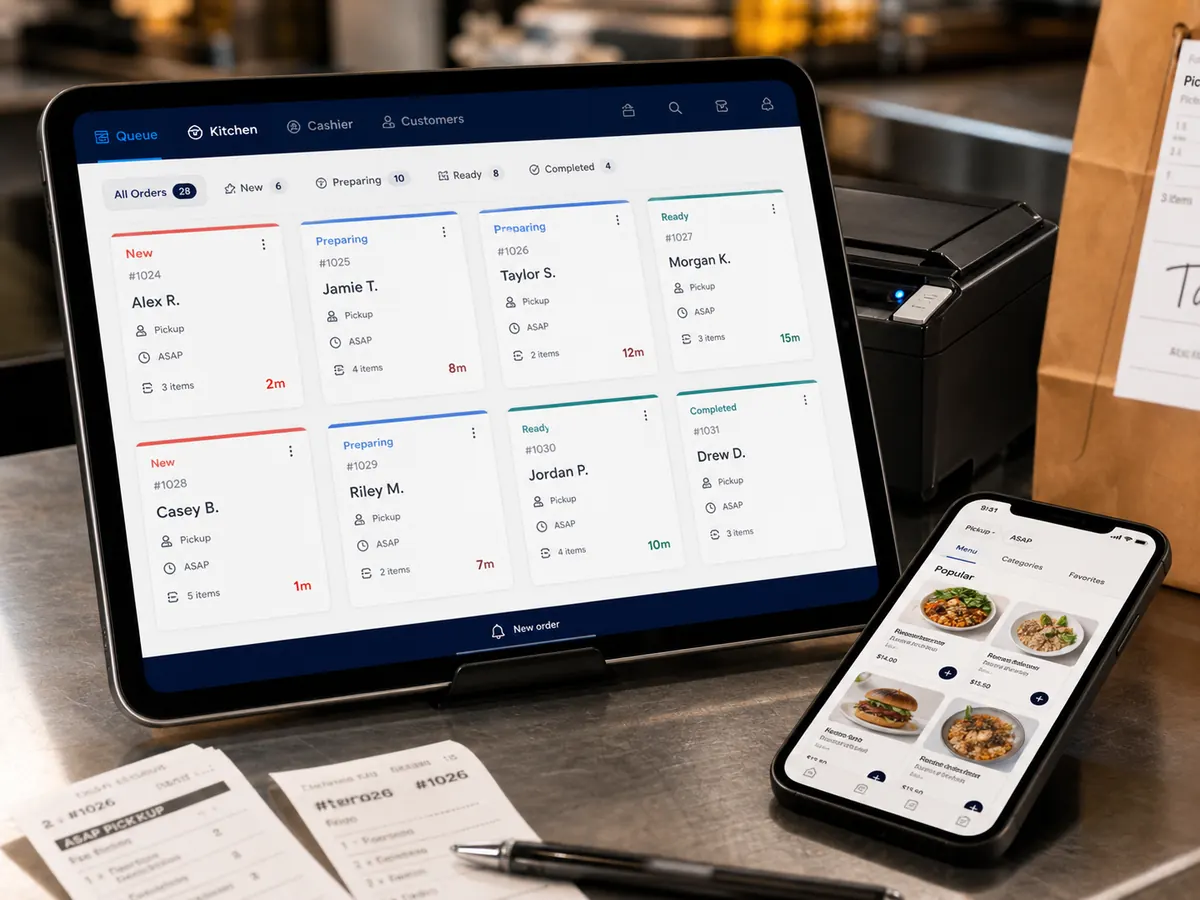
Regulars can place pickup orders from your link instead of calling when the counter is already busy.
The team sees a clear queue for new, preparing, ready, paid, and completed orders.
You keep the order history, customer list, repeat behavior, and direct-channel numbers.
How it works