Fewer repeated questions
Modifiers, notes, choices, and pickup details are captured before the ticket reaches staff.
Menu setup
A good online menu does more than list items. It answers the questions staff repeat all day: what comes with it, what can be changed, what is sold out, how long pickup takes, and what add-ons make sense.
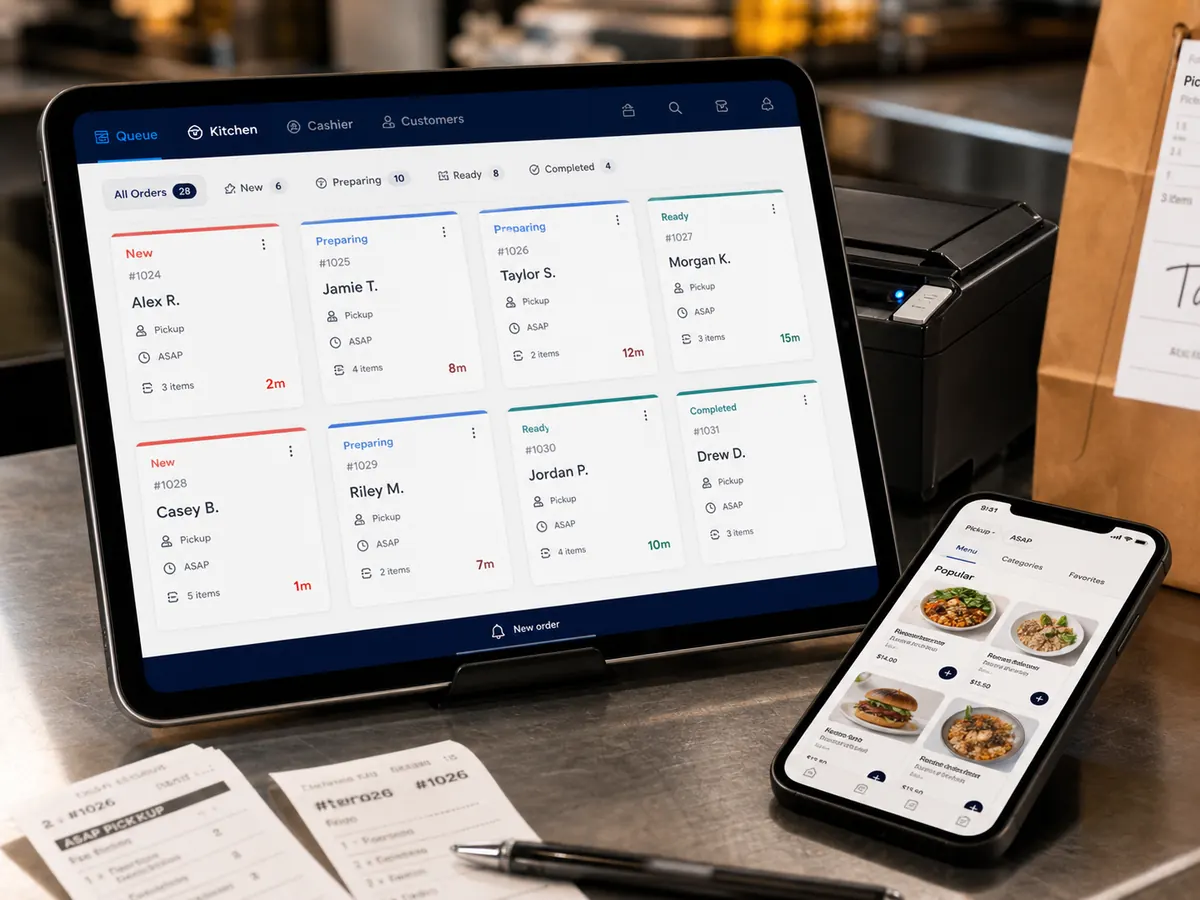
Modifiers, notes, choices, and pickup details are captured before the ticket reaches staff.
Suggest sides, drinks, desserts, or combos while the customer is already deciding.
Pause ordering, mark items sold out, adjust prep time, and update rules as the day changes.
How it works